
Recorded video is forgiving. If a take goes wrong, you shoot it again. If the audio is off, you fix it in post.
A live stream gives you none of that. When the CEO steps up to the podium or the ceremony begins, everything has to work the first time, in real time, in front of everyone who could not be in the room. That is what makes live streaming both the most valuable and the most unforgiving kind of video a business can produce.
The good news is that successful streams are not lucky. They are planned. Here is what goes into a professional event stream and how to get yours right.
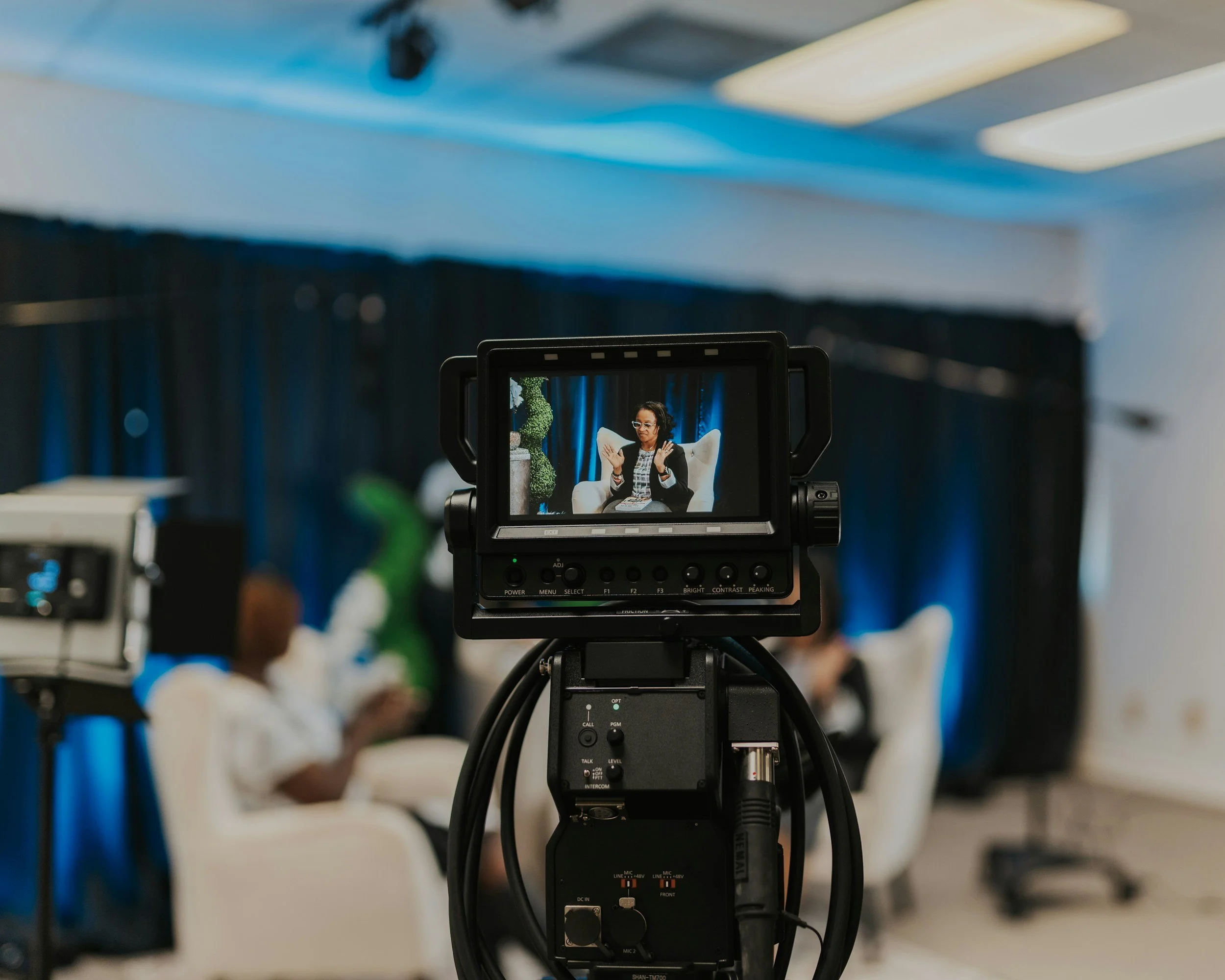
Quick Answer
To live stream a business event successfully:
Define the remote audience and choose the platform they will actually use
Test the venue's internet early; a dedicated hardwired connection is non-negotiable
Plan camera coverage like a broadcast: at least two cameras for anything with an audience
Feed audio from the source (the sound board or dedicated mics), never from a camera mic
Rehearse the full signal chain before event day
Have a backup for the two things most likely to fail: internet and audio
For events that matter, hire a crew that streams regularly. The stream is the one part of the event you cannot redo.
Which Events Are Worth Streaming?
Streaming makes sense whenever the audience that cannot attend matters as much as the one that can:
Conferences and summits, where remote tickets extend reach and revenue
Company all-hands and town halls for distributed teams
Product launches and announcements timed for maximum simultaneous attention
Fundraisers and galas, where remote viewers can give in the moment
Graduations, ceremonies, and memorials for far-away family
Panels, trainings, and worship services with recurring remote audiences
Media events, where a satellite media tour or webcast puts your spokesperson in front of many outlets at once
A useful test: if the event were canceled for half its audience, would that be a real loss? If yes, stream it.
Choosing the Platform
The platform question is really an audience question.
YouTube Live is the default for public events: free, familiar, easy to embed on your website, and the replay lives on afterward.
Facebook and Instagram Live fit community-driven events where your audience already gathers, though quality controls are more limited.
LinkedIn Live suits B2B announcements and thought-leadership events.
Zoom and webinar platforms work when interaction matters more than polish: Q&A, breakouts, registration lists.
Private and embedded streams serve internal meetings, paid events, and anything that should not be public. A stream can be pushed to a password-protected page on your own site.
You can also stream to several platforms at once. A professional encoder can send the same program feed to YouTube, Facebook, and your website simultaneously, which is usually the right answer when stakeholders cannot agree on one destination.
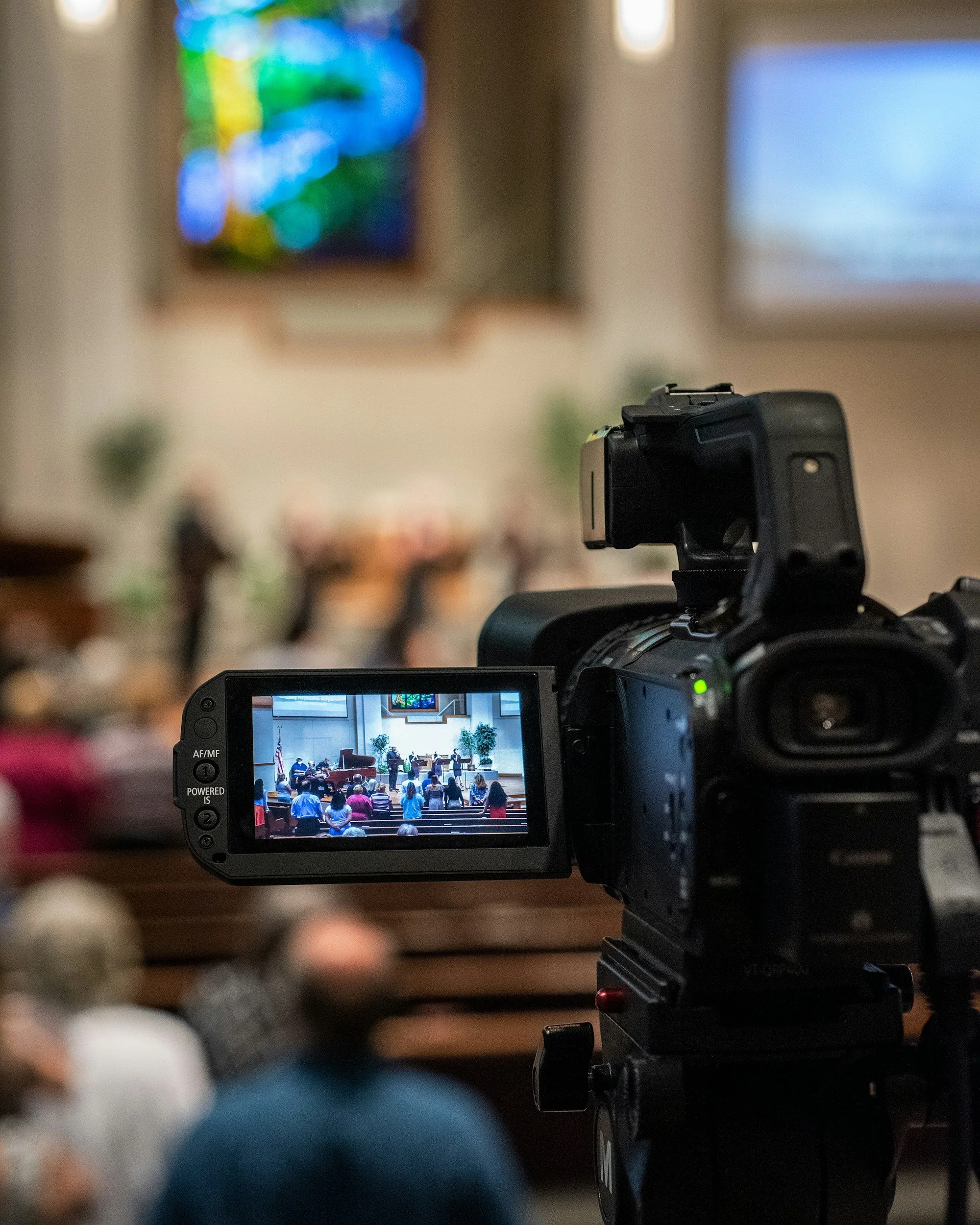
The Technical Foundation: Internet First
Every experienced streaming crew asks about the venue's internet before anything else, because bandwidth is the single point of failure no camera can compensate for.
What a stable HD stream needs:
A hardwired ethernet connection. Venue Wi-Fi is where streams go to die, especially once hundreds of guests connect their phones to the same access point.
Dedicated upload bandwidth, ideally 10 Mbps or more of consistent upload for a full HD stream, tested at the actual outlet you will use, at the same time of day as the event if possible.
A backup path. Professional crews carry bonded cellular units that combine multiple carrier connections, so if the venue line drops, the stream does not.
If your venue cannot guarantee wired internet, solve that before spending a minute on cameras.
Cameras, Audio, and the Broadcast Mindset
A stream is not a recording of an event. It is a broadcast of one, and remote viewers judge it by television standards without realizing it.
Cameras. One static wide shot reads as a security feed. Two cameras minimum (a wide and a close-up) let a director cut between speaker and stage, and three or more add audience reactions and side angles. Camera switching happens live at a small video switcher, which is where a stream starts to feel like a show.
Audio is the whole game. Viewers forgive a soft image instantly and a bad audio feed never. The stream's audio must come from the source: a feed from the venue's sound board, or dedicated lavalier and podium mics run to the streaming mixer. If your plan involves a camera's built-in microphone picking up the PA system, stop and replan.
Graphics and polish. Lower-third name titles, a holding screen before the event starts, slides integrated into the program feed rather than filmed off a projector. These small touches are most of the difference between amateur and professional.
Lighting matters as much as it does for any shoot. Stage lighting designed for the room often looks wrong on camera, so it is worth a conversation between the AV team and the streaming crew ahead of time. Much of the prep advice in how to prepare for your video shoot applies here, compressed into a single unrepeatable day.
The Rehearsal Rule
Every professional stream includes a full-chain test before the audience arrives: cameras to switcher, switcher to encoder, encoder to platform, platform to a real viewer's screen, with real audio through the real mics.
The rehearsal catches the problems that cannot be fixed live: an HDMI handshake issue, a platform account that needs verification before it can stream, an audio hum from a ground loop, a firewall blocking the encoder. On event day, the crew should be watching the outbound stream on an independent connection the entire time, because the room always looks fine from inside the room.
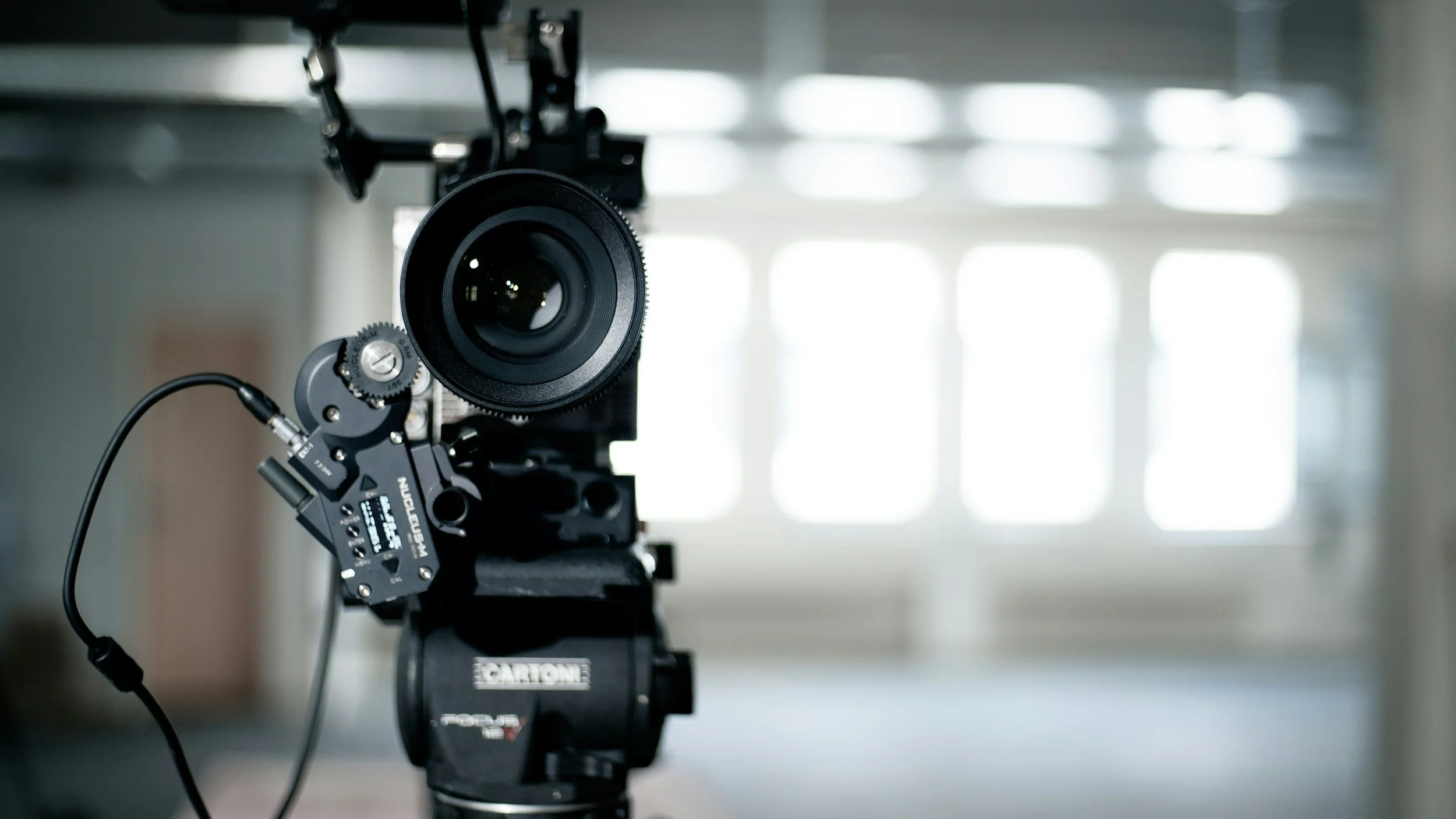
DIY or Hire a Crew?
An honest assessment, since streaming gear is more accessible than ever:
DIY works for low-stakes, recurring, single-camera events: a weekly internal update, a small workshop, a class. A modern phone or webcam setup with a decent USB microphone covers it.
Hire professionals when the event is significant, ticketed, public-facing, multi-camera, or unrepeatable. The math is straightforward: a stream that fails during a product launch or a memorial service cannot be reshot at any price. A professional crew brings redundant internet, redundant audio, a director switching cameras, and someone whose entire job is watching the stream health.
There is a middle path as well. If you have capable people but not equipment, renting the gear with some guidance from the rental house can cover modest events, and it is a good way to build in-house capability for the recurring ones.
Getting More From the Stream
The live broadcast is only the first life of the content:
The replay keeps collecting views for months; post it to your site and channels within a day
Highlight clips cut from the stream feed social media for weeks
Testimonials and speaker moments become standalone videos
The recording becomes training material, sales content, or next year's promo
Plan for this before the event by recording a clean high-quality copy locally, not just relying on the platform's saved stream. It is the same one-shoot, many-outputs thinking that applies to every type of business video, and with events it is nearly free, because the cameras are already rolling.
Frequently Asked Questions
-
Costs scale with camera count, crew size, event length, and redundancy requirements. A single-camera professional stream costs far less than a multi-camera switched production with backup internet. Share your event details and venue with a production company for a real number.
-
Plan for at least 10 Mbps of dedicated, consistent upload bandwidth for full HD, over a hardwired connection. Test at the venue in advance, and have a cellular backup for anything important.
-
Yes. A professional encoder can send one program feed to YouTube, Facebook, LinkedIn, and your own website simultaneously, so each audience watches where they already are.
-
One camera works for simple talks. Two (a wide and a close-up) is the minimum for anything with an audience, and three or more supports panels, ceremonies, and large productions with live switching between angles.
Streaming an Event in Central Florida?
Keylight Film Studios provides live streaming and webcasting for conferences, corporate events, ceremonies, and broadcasts across Orlando and Central Florida, with multi-camera crews, professional audio, and the redundancy that a one-take event demands.
Contact the Keylight team to talk through your event and venue.